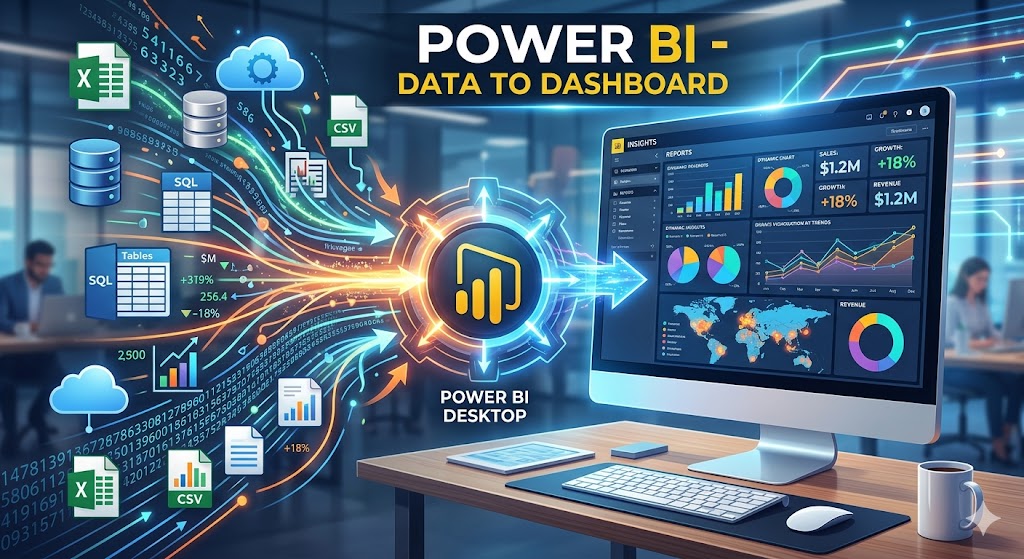
Overview
This course focuses on transforming raw data into interactive and insightful dashboards using Power BI. It covers essential concepts such as data collection, cleaning, modeling, and visualization. Learners will gain hands-on experience in creating reports, using DAX functions, and designing user-friendly dashboards. The course emphasizes real-world applications to enhance decision-making and business intelligence skills. By the end, participants will be able to connect multiple data sources, analyze data effectively, and present meaningful insights through dynamic dashboards, making them industry-ready for data analysis and reporting roles.
Our Trainers

Mr.Bhanu Pratap
PROFESSIONAL EXPERIENCE Senior Technical Trainer – Anudip Foundation | Feb 2026 – Present • Delivered corporate‑level training in Data Analytics and Backend Development to students and working professionals • Mentored learners in building real‑world projects such as dashboards, ETL pipelines, and REST APIs • Focused on practical implementation and job‑oriented technical skills Senior Technical Evangelist – Jobsense • Delivered professional training sessions on Power BI, Tableau, and Django for industry‑focused learners • Helped students build production‑level dashboards and backend applications Senior Technical Evangelist – Cybrom Technology • Trained students in Python, Django, Django REST Framework, and Data Structures.
KEY PROJECTS AQI Data Analysis & Visualization Pipeline (Python, MySQL, Power BI) • Built a complete ETL pipeline to clean and transform large air‑quality datasets • Stored processed data in MySQL and optimized queries for faster analysis • Created interactive Power BI dashboards to visualize pollution trends and insights Business Intelligence Dashboards (Power BI, Tableau, Excel) • Developed interactive dashboards for Sales Analysis and Hotel Booking Analysis • Used real‑world datasets to generate insights and performance metrics E-Commerce Platform (Django) Library Management System API (Django, DRF, JWT) EDUCATION • M.Sc. Mathematics – 2022 • PGDCA – 2016 • B.E. (Electronics & Communication) – 2011
Modules
|
Day & Date |
Duration (time) |
Session |
Topic |
Resource Person |
|
15/05/2026 |
2hrs |
1 |
Introduction to Business Intelligence & Power BI |
Mr. Bhanu Pratap |
|
16/05/2026 |
2hrs |
2 |
Data Sources & Data Import |
Mr. Bhanu Pratap |
|
18/05/2026 |
2hrs |
3 |
Data Cleaning using Power Query |
Mr. Bhanu Pratap |
|
19/05/2026 |
2hrs |
4 |
Advanced Data Transformation |
Mr. Bhanu Pratap |
|
20/05/2026 |
2hrs |
5 |
Data Modeling Fundamentals |
Mr. Bhanu Pratap |
|
21/05/2026 |
2hrs |
6 |
Advanced Data Modeling |
Mr. Bhanu Pratap |
|
22/05/2026 |
2hrs |
7 |
Introduction to Data Visualization |
Mr. Bhanu Pratap |
|
25/05/2026 |
2hrs |
8 |
Advanced Visualization & Interactivity |
Mr. Bhanu Pratap |
|
26/05/2026 |
2hrs |
9 |
Introduction to DAX (Data Analysis Expressions |
Mr. Bhanu Pratap |
|
27/05/2026 |
2hrs |
10 |
Advanced DAX & Time Intelligence |
Mr. Bhanu Pratap |
|
28/05/2026 |
2hrs |
11 |
Dashboard Design & Storytelling |
Mr. Bhanu Pratap |
|
29/05/2026 |
2hrs |
12 |
Power BI Service & Report Publishing |
Mr. Bhanu Pratap |
|
30/05/2026 |
2hrs |
13 |
Real-Time Project (Data to Dashboard) |
Mr. Bhanu Pratap |
|
31/05/2026 |
2hrs |
14 |
Capstone Project & Presentation |
Mr. Bhanu Pratap |
Outcomes
Ability to import, clean, and transform data from multiple sources using Power BI.
· Develop efficient data models and apply DAX functions for analysis.
· Create interactive and visually appealing dashboards and reports.
· Generate meaningful insights to support data-driven decision-making.
· Gain industry-ready skills for careers in Business Intelligence and Data Analytics.
FAQs
1. What is the difference between Import, DirectQuery, and Live Connection?
Import mode stores data in Power BI for fast performance. DirectQuery fetches data in real time from the source, while Live Connection connects directly to external models like SSAS without storing data.
2. What is Query Folding in Power Query?
Query Folding pushes data transformation steps back to the data source, improving performance by reducing local processing in Power BI.
3. What is the difference between Measures and Calculated Columns?
Calculated columns are computed row-by-row and stored in the model, while measures are dynamic calculations evaluated during report interaction.
4. Explain Row Context and Filter Context in DAX.
Row context refers to calculations performed per row, whereas filter context applies filters to calculations based on user interaction or report design.
5. What is CALCULATE function in DAX?
CALCULATE modifies the filter context of a calculation, making it one of the most powerful and widely used DAX functions.
6. What is Star Schema and why is it preferred?
Star schema organizes data into fact and dimension tables, improving performance and simplifying data modeling.
7. What is Row-Level Security (RLS)?
RLS restricts data access for users based on roles, ensuring data security in shared reports.
8. How can you optimize Power BI performance?
Use efficient data models, reduce unnecessary columns, enable query folding, use aggregations, and optimize DAX queries.
9. What are Bookmarks in Power BI?
Bookmarks capture the state of a report page, enabling navigation, storytelling, and interactive experiences.
10. What is Drill-through in Power BI?
Drill-through allows users to navigate from a summary report to a detailed report page using specific filters.
11. What are Composite Models?
Composite models allow combining Import and DirectQuery data sources in a single Power BI model.
12. What are AI visuals in Power BI?
AI visuals like Key Influencers and Decomposition Tree provide advanced insights using built-in machine learning capabilities.
13. What is a Gateway in Power BI?
A gateway connects on-premises data sources to Power BI Service for scheduled refresh and real-time updates.
14. What is Incremental Refresh?
It refreshes only new or changed data instead of the entire dataset, improving performance for large datasets.
15. How does Power BI support real-time analytics?
Using streaming datasets and DirectQuery, Power BI can display live dashboards with continuously updated data.